
Presenter transparency
The person at the board never blocks it — writing behind them keeps rendering live.
ALL FEATURES & INTEGRATIONS
The live, cleaned-up whiteboard feed. Glare, shadows and the presenter are removed so faint handwriting stays sharp on every screen, and each viewer can zoom on their own device.
Read moreA chronological library of everything ever written. Search the handwriting, jump back to the moment a term appeared, and export clean board states long after the board is wiped.
Read moreSlides, diagrams and digital annotation layered onto the live board, so remote participants stay in contact with the teacher instead of watching a recording of the room.
Read moreThe all-in-one hardware option for schools with budget but no appetite for an IT project. One box per room, configured once, and every morning the board is already being shared — no laptops carried between rooms, no teacher installing anything.
Explore STBox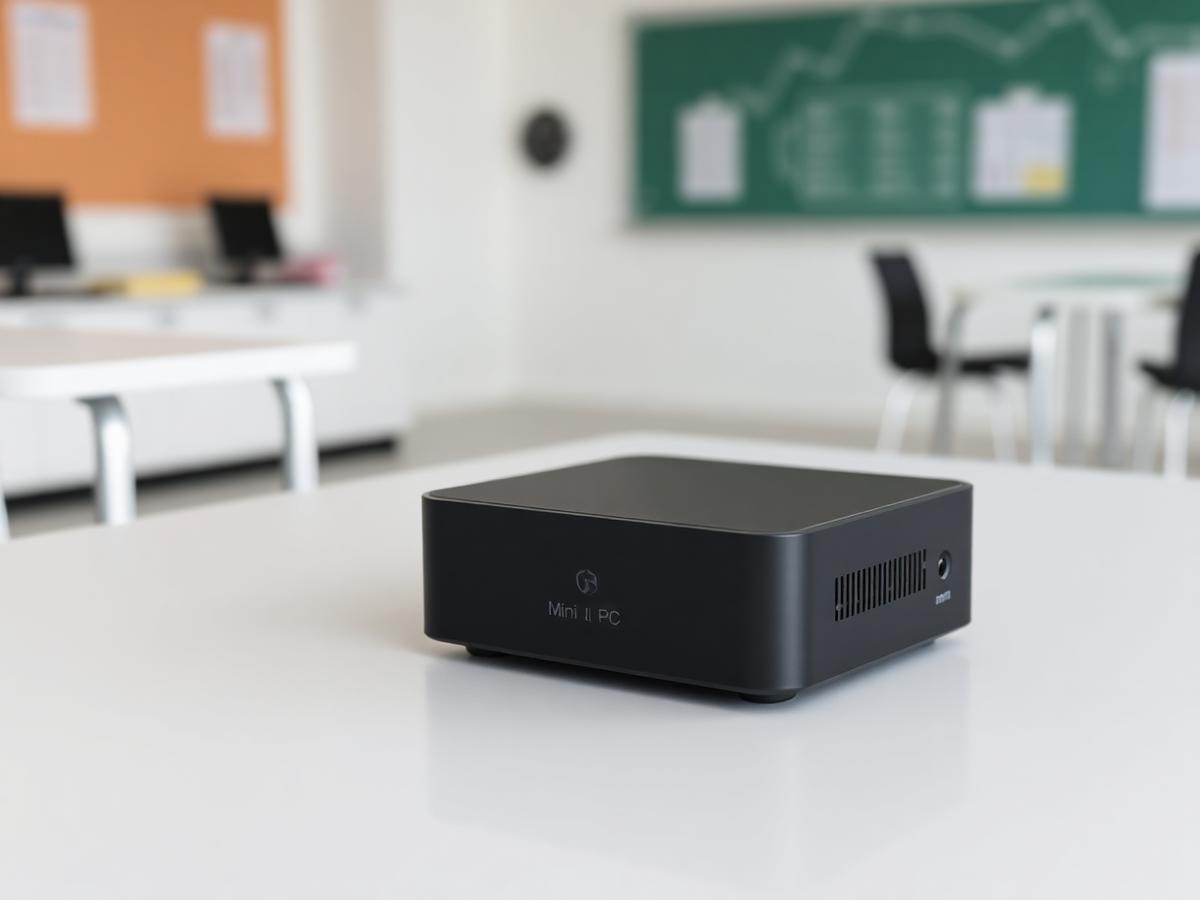
Already running Panopto, Echo360 or Kaltura and still getting unreadable whiteboard recordings? Video Amplifier feeds those systems an enhanced board image, so the capture stack you paid for finally produces legible notes.
Explore Video Amplifier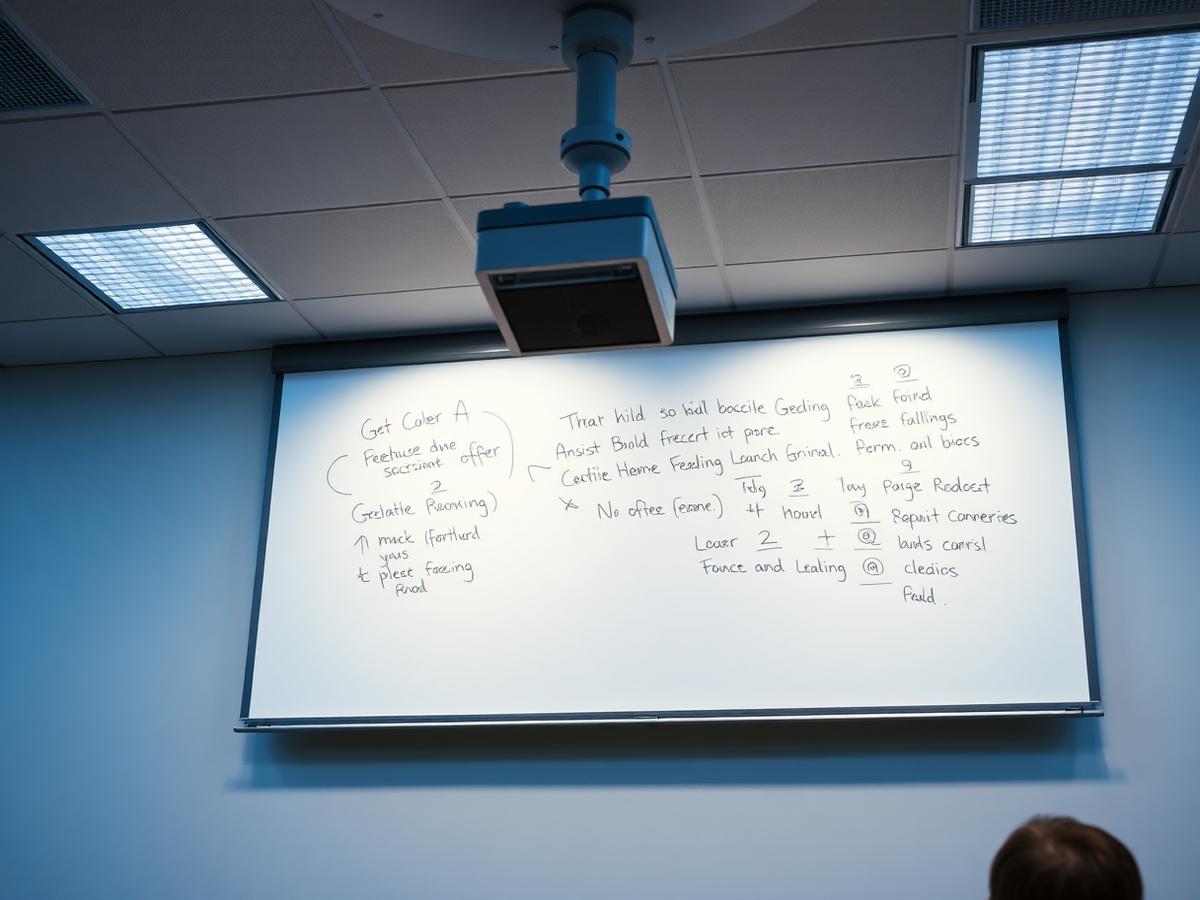
The person at the board never blocks it — writing behind them keeps rendering live.
Each viewer pinches and zooms on their own device without interrupting the room.
Cover several boards or a long wall and let viewers switch between them.
Strokes are rebuilt on a clean background for low-vision readers and projectors.
Push the cleaned-up board to a room display so the back rows read what the front row reads.
Whiteboards, blackboards, glass walls and flipcharts all work the same way.
Find the moment a term was written instead of scrubbing a recording.
Spoken explanation is transcribed alongside the board timeline.
Turn a session into summaries and revision questions students can work from.
Send a clean set of board states to students or attendees after the session.
Remote participants and co-presenters can mark up the live board view.
One link per session, with control over who can view and for how long.
Microsoft Teams, Zoom, Google Meet and anything that accepts a camera source.
Panopto, Echo360, Kaltura and similar systems record the enhanced board feed.
Share links or exported PDFs into Canvas, Moodle, Blackboard or Google Classroom.
USB webcams, PTZ room cameras, document cameras, or the plug-and-play STBox.
Viewers open a browser link — no accounts or downloads required.
Runs on the room PC, a teacher laptop or the STBox.
Room-level configuration managed centrally across sites.
Staff sign in with institutional credentials on organisation plans.
Choose where session data lives and how long it is retained.
See adoption per room, department or campus.
Separate rights for presenters, admins and viewers.
Let visitors watch without an account when you want it.
Watch a 5-minute demo now, or book a 30-minute live walkthrough.
Get the PDF with specs and use cases for your segment.