
How long does setup take?
About ten minutes for a first room, including camera positioning and marking the board area.
FEATURES & FAQ
A board, a camera that can see it, a computer or STBox in the room and internet. No smart board, no new wall, no per-teacher hardware.
Read moreNo. Students and remote participants open a browser link. Accounts exist only for presenters and admins, so nothing blocks a guest from joining.
Read moreShareTheBoard runs alongside Teams, Zoom, Meet, Panopto, Echo360 and your LMS instead of replacing any of them.
Read moreAround ten minutes: place the camera so it sees the whole board, mark the board area, and start sharing. Whiteboards, blackboards and glass boards all work, and the same steps repeat for every additional room.
Read the setup guide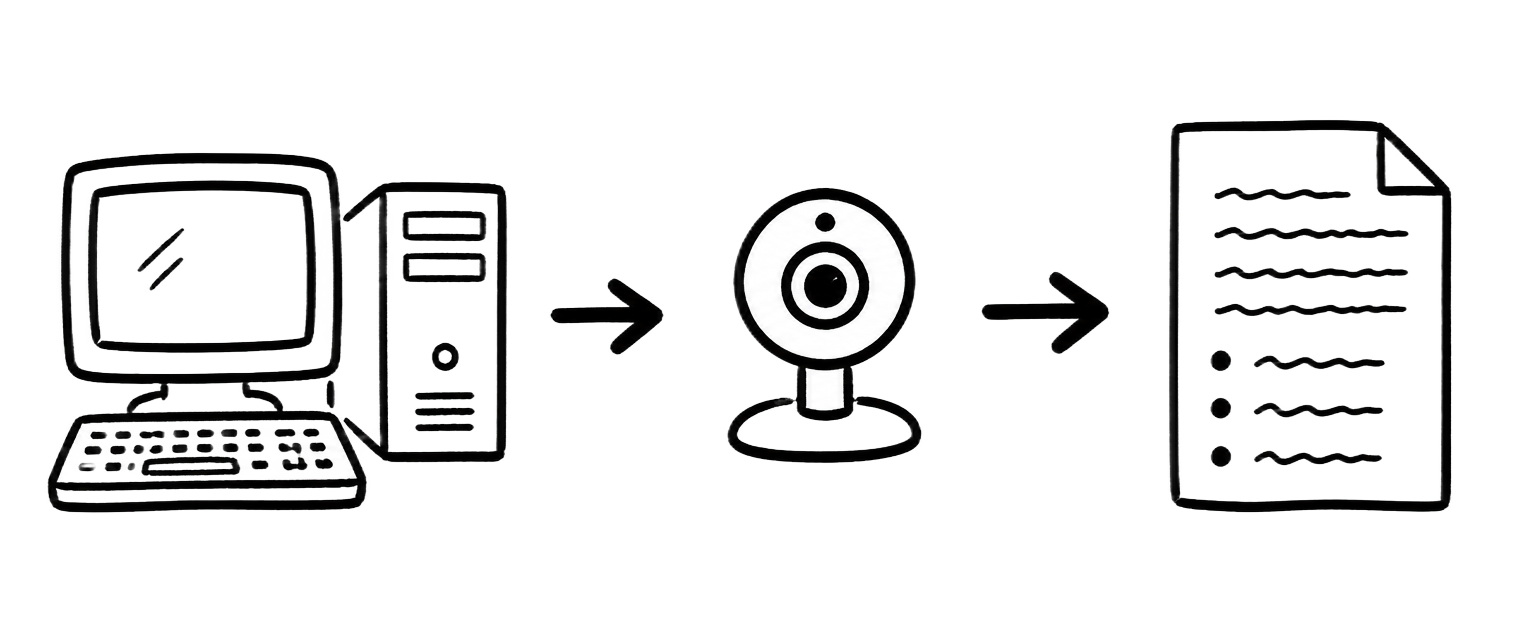
Board data is encrypted, hosted in the region you choose and kept only as long as you configure. Single sign-on, role-based access and per-room licensing are available on organisation plans, and most institutions start with a single-room pilot.
Read about security
About ten minutes for a first room, including camera positioning and marking the board area.
Yes. Whiteboards, blackboards and glass boards are all supported.
No. Viewers open a link in the browser; accounts are only for presenters and admins.
The live view keeps showing the writing behind you, so nobody loses the thread.
Board Memory keeps the earlier states, so anyone can scroll back while you keep going.
Yes — with Content Overlay they can mark up the live board view.
Yes, SAML and OIDC single sign-on is available on institutional plans.
Encrypted, with regional hosting options and configurable retention.
Per room, with volume pricing for departments, campuses and districts.
The live, legible board on every screen, with the presenter rendered transparent.
A searchable, chronological library of everything written, kept after the board is wiped.
The enhanced board presented as a camera source for calls and lecture capture.
Watch a 5-minute demo now, or book a 30-minute live walkthrough.
Get the PDF with specs and use cases for your segment.